Discord explicit content filter: setup, limits and fixes
Where the server filter for explicit images is now, what it checks, how it differs from each member's blur setting and what to do when images still get through.
By SfwBot Team6 min read
Discord's explicit content filter is a server setting that scans the images members post and blocks messages with explicit images in every channel that is not age-restricted. To turn it on, open Server Settings, select Safety Setup under Moderation and, in the Explicit image filter section, choose whether it applies to all members, only to members without roles, or to nobody.
Older guides call it the explicit media content filter. It is the same setting.
Turning on the Explicit image filter
You need the Manage Server permission, or to be the owner.
- Click the server name and choose Server Settings.
- Under Moderation, select Safety Setup.
- Find the Explicit image filter section and pick who it applies to.
For a public server, choose all members. The option for members without roles skips everyone who has any role at all. Many servers hand out a role on joining, through a verification step or a bot, and in such a server that option checks almost nobody.
Which members and channels it covers
Members. Only the choice above decides. There is no list of exempt roles.
Channels. Every channel that is not marked as age-restricted. Members must confirm they are 18 or older before they can open an age-restricted channel, and the filter skips it. To mark one, open the channel's settings and switch on Age-Restricted Channel on the Overview page.
Strictness. You choose whose images are checked. Discord decides what counts as explicit, and there is no setting to make it stricter or looser.
The server filter and each member's sensitive content settings
These are two separate controls, and they are easy to mix up.
The server filter belongs to the server. When it blocks a message, nobody in the server sees the image.
The sensitive content filters belong to each member, under User Settings, Content & Social. There are two: the Mature Sexual Media filter and the Graphic Media filter. In servers a member can only choose to show or blur what they detect; blocking in servers is left to each server's safety settings. Adults start with images in servers shown. Teen accounts have them blurred and cannot change that unless they are confirmed as adults.
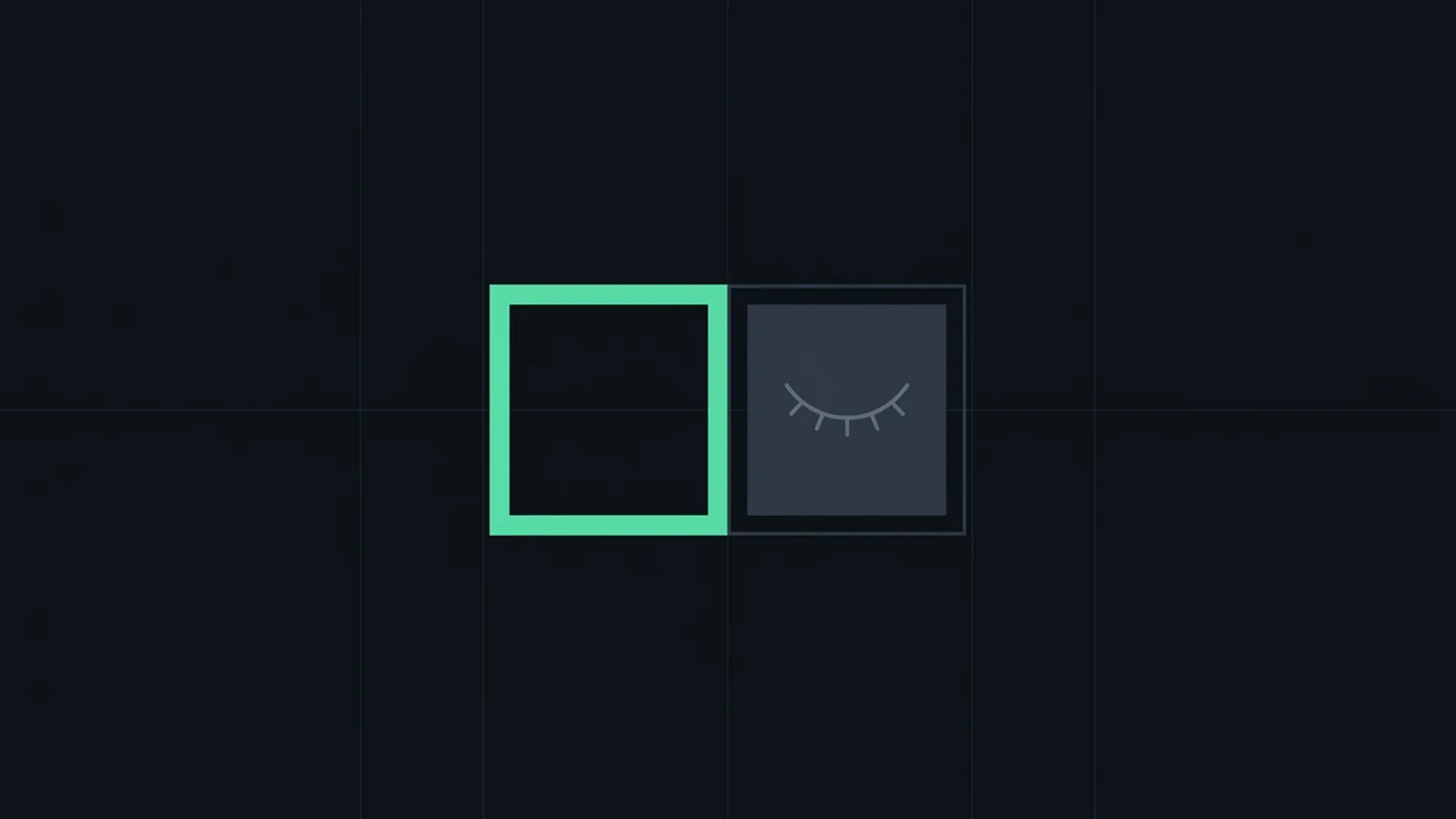
So an image you see clearly tells you about your own setting, and nothing about the server's. A blurred image was posted, which means the server filter let it through and one member's own filter flagged it. That member can reveal it with the eye icon, or right-click or long press it and choose Mark as Not Sensitive if the blur was wrong.
What the built-in filter does not do
- No levels. It is aimed at explicit images. Swimwear, underwear and suggestive pictures have no setting.
- No allow list. A harmless image it keeps blocking cannot be approved.
- No record for moderators. It does not post what it blocked, or who sent it, to a channel your team reads.
- No consequence for the sender. An account can keep trying.
- Unclear coverage of other formats. Discord's pages describe it as a filter for images. They do not say whether it checks GIFs, videos, images in link previews, stickers or images added by editing a message, so do not count on it for those.
Common reasons it seems not to work

- The option is members without roles, and the person who posted has a role.
- The channel is age-restricted. Check the channel's Overview page.
- The filter was switched off, perhaps by another admin.
- The image is only suggestive. The filter is aimed at explicit images and leaves the rest.
- You are looking at your own blur setting. An image that shows for you and blurs for a teen member says nothing about the server filter.
- It missed. Every automatic image filter lets some images through and blocks some harmless ones.
For wrong blocks Discord gives you little to work with. You can switch to members without roles and give the affected members a role, but that takes every member with a role out of the filter.
Where SfwBot adds control
If your server is small, the members know each other and only clearly explicit images worry you, the built-in filter is enough. Set it to all members and leave it there.
A bot helps when you need control Discord does not offer. SfwBot's nudity detection is on as soon as it joins and deletes explicit images, GIFs and videos. It adds:
- Your own line. In the dashboard, AI detection, Nudity, the setting What should be blocked? offers Revealing, Implied nudity or Explicit. Explicit is the default.
- What it checks. Attachments, images in link previews and forwarded messages. Stickers, custom emojis and media from other bots once you switch that on. Files over 32 MB are not scanned.
- Exemptions. Exempt channels and exempt roles, chosen one by one. Age-restricted channels are skipped unless you switch off Allow in age-restricted channels.
- Lists. An image on your allow list is never removed on your server. One on your block list is always removed, near-identical copies included.
- A log. Each removal goes to your log channel with a Report as wrong button. Switch off Delete blocked content to review before anything is deleted.
SfwBot detects nudity only. Each scan uses credits; when they run out, scanning pauses and your lists keep working. Plans are on the pricing page. The nudity detection guide covers every setting, and the comparison with Discord's filter lists what each lets you control.
Keep Discord's filter on for all members next to the bot. The two work independently, so the built-in filter still blocks explicit images when your credits are used up. If the images come as spam from new accounts, the post on stopping NSFW spam covers the permission changes that help.
Frequently asked questions
Can a server owner turn off members' sensitive content blur?
No. Blur is each member's own setting under Content & Social. Teen accounts have media in servers blurred, and only an account confirmed as an adult can change that.
Does Discord's explicit image filter work in DMs?
No, it covers only the server where it is set. In direct messages each member's sensitive content filters apply, and there they can also choose to block flagged images.
How do I allow NSFW content in one channel only?
Mark that channel as age-restricted in its settings. Discord's filter skips it, members must confirm they are 18 or older to open it, and SfwBot skips it by default too.
Does Discord's image filter check text messages?
No. It looks at images, and Discord says its sensitive content filters do not scan text, voice or calls. For words and links, use AutoMod.