Discord mod commands: timeout, kick, ban and what bots add
Three moderation commands are built into Discord. This covers when to use each, the permissions behind them, and where bots fill the gaps.
By SfwBot Team7 min read
Discord mod commands are built into every server: type /timeout, /kick or /ban in any channel, pick the member and add a reason. Each one works only for someone with the matching permission. Slowmode and deleting messages have no command and are done from menus.
The built-in moderation commands and their permissions
Type / in a channel and Discord lists its own commands next to those of your bots. Three of them are for moderators:
| Command | What it does | Permission needed |
|---|---|---|
/timeout | Stops a member from writing, reacting and speaking in voice for the length you choose | Timeout Members |
/kick | Removes a member from the server; they can come back with any invite | Kick Members |
/ban | Removes a member, keeps the account from rejoining and can delete its recent messages | Ban Members |
Each command takes a reason, which goes into the audit log. Write one even when the case seems obvious, because the moderator who reads it later may not know what happened.
The same actions are in the menu you get by right-clicking a member's name, or tapping it on mobile.
Two limits apply to all three. You can only act on members whose highest role is below your own highest role, and nobody can act on the server owner. Members with the Administrator permission cannot be timed out.
Timeout, kick or ban for each kind of problem
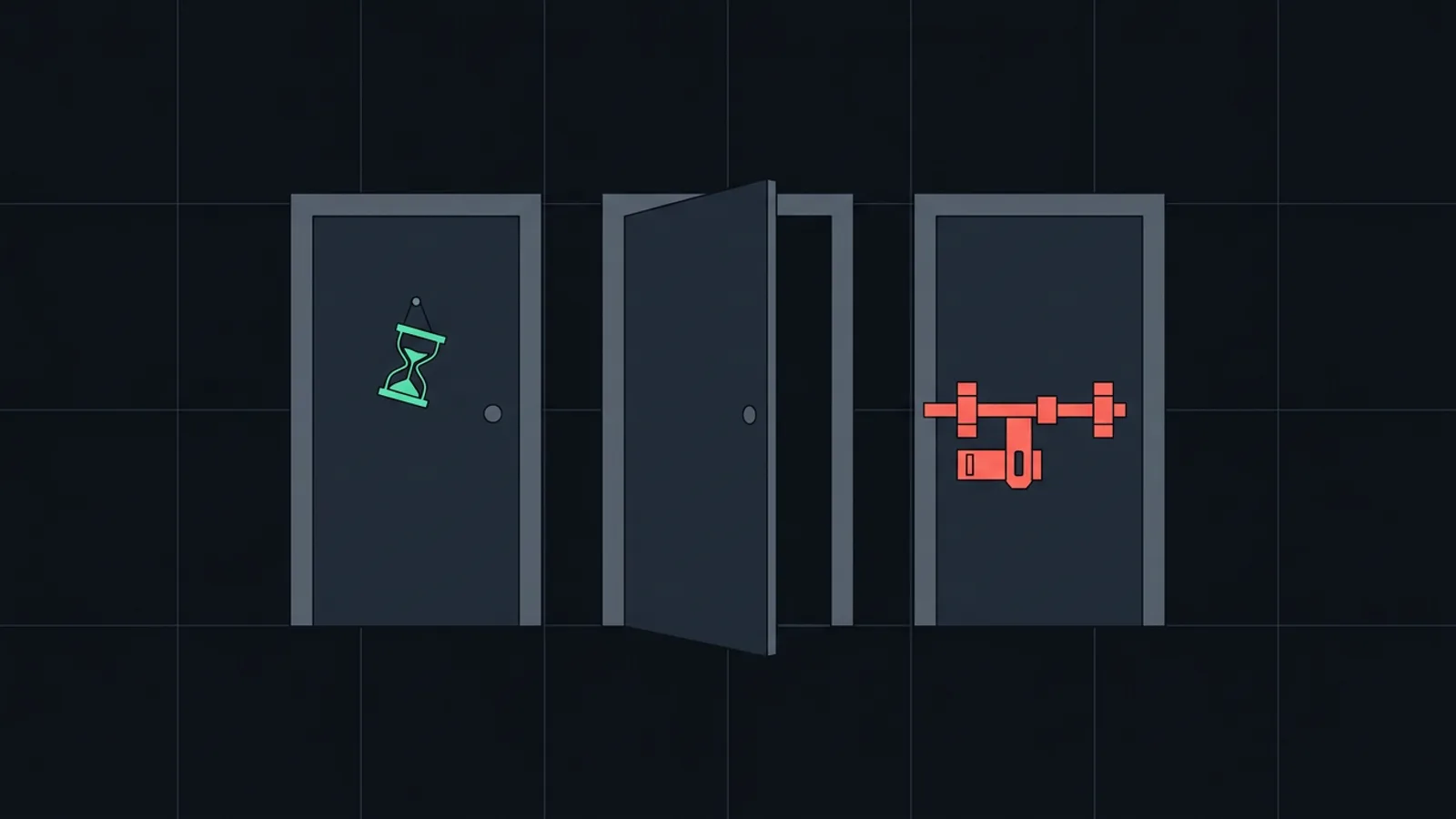
Timeout is for a member who needs to stop now and is welcome to stay afterwards. They still see the channels and the message history, but cannot write, react or join voice until it ends. The menu offers lengths from 60 seconds to a week; a bot can set up to 28 days. You can end a timeout early from the same menu.
Kick is for someone who should leave but may return later, for example a member who joined the wrong server. It does little against spam accounts, because they rejoin through any invite they still have.
Ban is for raid accounts, scam accounts and members you do not want back. When you ban, Discord can delete the account's messages from up to the last seven days in the same step. Server Settings, Bans lists every ban, and a ban can be lifted there.
Deleting messages and slowing a channel down

Discord has no built-in purge command. A moderator with Manage Messages can delete any single message from its menu. When one account has flooded a channel, banning it with message deletion removes the flood in one go. If the person should not stay banned, lift the ban afterwards.
Slowmode is a channel setting. Open Edit Channel, Overview and choose an interval under Slowmode, up to six hours. It needs Manage Channels, and bots are not slowed by it. Slowmode limits each member separately: thirty accounts in a channel with a 10 second slowmode can still post thirty messages every 10 seconds. During a raid, set it first and then ban the accounts.
Server Settings, Audit Log shows the timeouts, kicks and bans with the moderator and the reason. It needs View Audit Log, and it does not keep the text of deleted messages.
What a moderation bot adds on top
Discord's commands act on one member at a time and keep no count of earlier offences. Moderation bots usually add some of these:
- A log channel. Each removal is posted with the message, the member and the reason, which the audit log does not show.
- Warnings that count up. A member's third offence leads to a longer penalty without a moderator having to remember the first two.
- Mass actions. A purge command deletes many messages at once. Discord lets a bot delete up to 100 messages in one request, and only messages less than two weeks old, so purge commands work within those limits.
- Automatic removal of spam, invites or links before anyone reports them.
Part of the last point needs no bot. Discord's AutoMod blocks messages with words you list or with too many mentions, and can time the sender out. The AutoMod setup guide goes through each rule.
SfwBot's commands and where it acts on members
SfwBot has no ban, kick, timeout or purge command; you use Discord's for that. The bot's commands handle its settings and the trust system:
| Command | Default permission | What it does |
|---|---|---|
/setup | Manage Server | First setup: log channel, exemptions and the nudity level |
/settings | Manage Server | Opens every settings page, or one page directly |
/status | Manage Server | Checks the bot's permissions, detection, logging, credits and image lists |
/member | Timeout Members | A member's trust, strikes and history, with actions to change them |
/standing | Everyone | The member's own trust, strikes and next consequence |
| Add to block list | Manage Server | Message menu: blocks the media of a message on this server |
/help, /credits and /dms complete the list; the command reference describes each one. A server can change who may use a command under Server Settings, Integrations.
SfwBot times out, kicks and bans in two places.
Strike actions. With trust and strikes switched on, each violation costs trust. At zero the member gets a strike and the action you set for it: nothing, a warning, a timeout, a kick or a ban. A new server starts with timeouts that get longer with each strike, and the system itself is off until you turn it on. A strike added by hand with /member counts like any other, and its action runs at once.
Log buttons. Entries in the log channel have Timeout, Kick and Ban buttons that act after a confirmation. They need Manage Server plus the matching Discord permission and a role above the member's. Take back undoes a violation and lifts a timeout or ban that followed from it.
In both places the bot needs the same permission as a moderator would, and its role must be above the member's. /status shows a missing permission.
Frequently asked questions
How do I time someone out on Discord?
Type /timeout, choose the member and a length, and add a reason, or right-click the member's name and pick timeout. Both need the Timeout Members permission.
Why can't I ban someone on Discord?
You need the Ban Members permission, and the member's highest role must be below yours. Nobody can ban the server owner.
Does Discord have a purge command?
No. Without a bot you delete messages one at a time, or ban the account and let Discord delete its messages from up to the last seven days.
Can a timed out member still read the server?
Yes. They keep seeing the channels and the message history, but cannot send messages, react or speak in voice until the timeout ends.
How long can a Discord timeout last?
At most 28 days. Discord's own menu offers lengths up to one week, and bots can set longer ones.