
Your member just clicked a link promising free Discord Nitro. Thirty seconds later, their account is compromised and sending the same scam to everyone on your server.
This scenario plays out thousands of times daily. According to Bitdefender, roughly 20% of Discord links are phishing or malware-related. Attackers have evolved beyond obvious scams—they're now hijacking expired invite links from legitimate communities and redirecting unsuspecting users to malicious servers. If you're running a Discord server, link-based threats should be at the top of your security concerns.
How Scam Links Actually Work on Discord
Understanding the enemy is half the battle. Scammers use several sophisticated techniques to distribute malicious links across Discord.
Phishing Pages That Look Legitimate
The classic approach involves creating fake login pages that mirror Discord, Steam, or other gaming platforms. A message arrives claiming you've won something or need to verify your account. The link leads to a convincing replica designed to harvest your credentials.
These fake pages often use URLs that look almost right—think "dlscord.com" instead of "discord.com" or "discordapp.gift" instead of "discord.gift". One wrong letter is all it takes.
Hijacked Invite Links
Security researchers recently discovered attackers exploiting Discord's invite system in a clever way. When a server loses its custom vanity URL (like discord.gg/YourServerName) or an invite link expires, scammers can register that same code and redirect anyone clicking old links to their malicious server.
This means links shared months ago on forums, social media, or your own website could now lead to an attacker-controlled destination. The original server owner might not even realize it's happening.
Malware Distribution
Some links don't steal credentials directly—they trick users into downloading files containing malware. Recent campaigns have delivered crypto-stealing trojans like Skuld Stealer (targeting cryptocurrency wallets) and AsyncRAT (providing attackers full remote access to infected computers).
The distribution method is often clever. Users land on a fake "verification" page that asks them to run a command or download a "captcha verification" tool. Once executed, the malware silently compromises their system.
Token Grabbers
Discord tokens are authentication keys that let applications access your account. Malicious links can lead to pages or downloads that steal these tokens, giving attackers full access to your account without needing your password.
The scary part? Changing your password doesn't invalidate existing tokens. Victims often don't realize they're compromised until the damage is done.
Common Scam Patterns to Watch For
Knowing what scams look like helps you and your members avoid them. Here are the most prevalent patterns circulating right now.
Free Nitro Offers: Messages promising free Discord Nitro subscriptions through external links. Legitimate Nitro gifts come from discord.gift—nothing else.
Steam Account Verification: Messages claiming your Steam account was reported or needs verification. These always link to fake Steam login pages designed to steal gaming accounts.
Crypto Investment Schemes: Promises of guaranteed returns or exclusive trading groups. These either steal wallet credentials or convince victims to send cryptocurrency directly.
Fake Employment Offers: Messages offering paid moderator positions or other "jobs" that require clicking suspicious links or downloading files.
Hijacked Friend Accounts: Messages from compromised friends asking you to click links or help with something urgent. The writing style often feels off because it's not actually your friend.
Protecting Your Server with Automated Link Detection
Manual moderation can't keep up with the volume of scam links flooding Discord. By the time a human moderator spots and removes a malicious link, several members may have already clicked it.
This is where automated protection becomes essential. SfwBot's link protection automatically blocks known phishing and scam URLs before your members can interact with them. The blocklists update every 24 hours to catch new threats as they emerge.
What Good Link Protection Looks Like
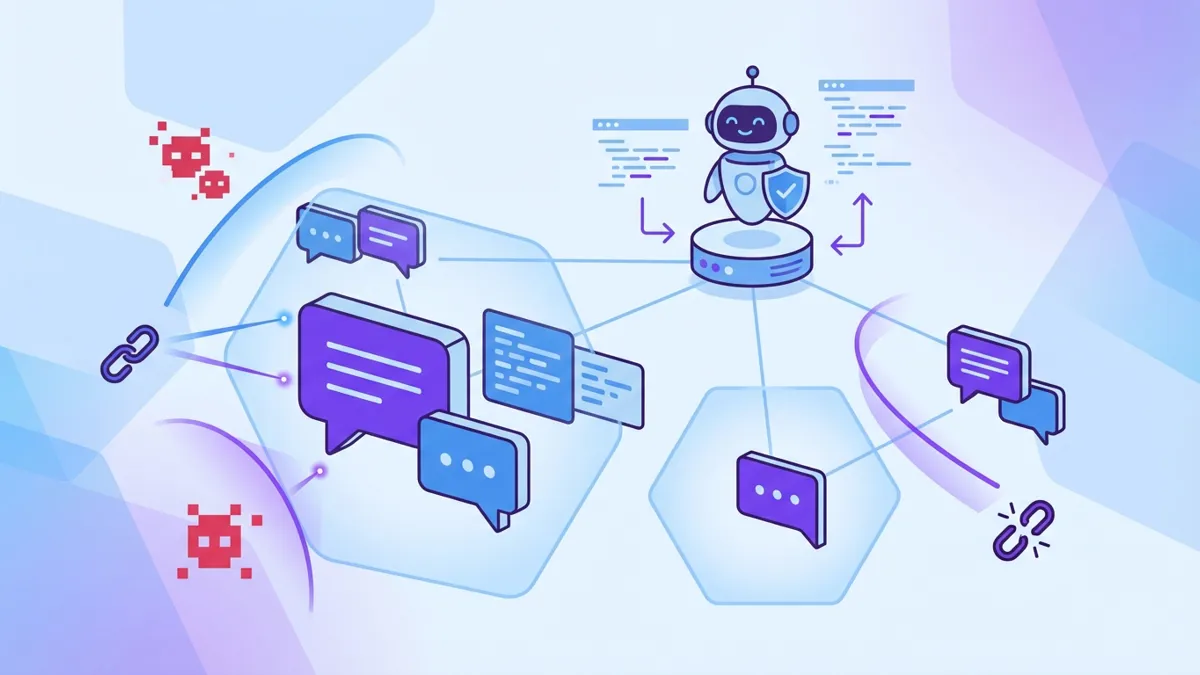
Effective automated protection should handle several things simultaneously. First, it needs to block known malicious domains—maintained databases of confirmed phishing and scam sites. Second, it should catch adult content links that violate your server rules. Third, it needs to work instantly, removing threats before members can click them.
SfwBot handles all three. When someone posts a link from a known scam domain, the message gets deleted automatically and the user receives a warning. No human moderator intervention required, no delay while the threat sits in your chat.
Server Configuration Best Practices
Beyond automated protection, your server settings play a crucial role in preventing scam distribution.
Verification Levels
Discord offers built-in verification levels that control who can send messages. For public servers, consider requiring email verification at minimum. This prevents throwaway accounts from immediately posting scam links.
Higher verification levels require users to be Discord members for a certain time period or even have a verified phone number. The friction reduces drive-by spam accounts significantly.
Channel Permissions
Not every channel needs to allow links. For channels where link sharing isn't essential, consider restricting the "Embed Links" permission. Messages containing URLs will still appear, but without clickable previews—making scam attempts more obvious and less effective.
Slow Mode
Enabling slow mode on high-traffic channels limits how quickly users can post messages. This won't stop scam links entirely, but it prevents rapid-fire spam attacks where bots flood channels with malicious URLs faster than anyone can react.
Educating Your Members
Technical protections work best alongside an informed community. Members who recognize scam patterns are less likely to become victims.
Consider pinning a message in your general or welcome channel explaining common scam types. Keep it brief—long walls of text get ignored. Focus on the key points: never click unexpected links, verify through other channels if friends send strange messages, and report suspicious activity to moderators.
You might also establish a channel where members can report suspicious messages. Quick reports help moderators identify compromised accounts or active scam campaigns targeting your server.
What To Do When Scams Get Through
Despite best efforts, some scam links will inevitably make it past defenses. Having a response plan matters.
If a member reports clicking a suspicious link, advise them to immediately change their Discord password and enable two-factor authentication if they haven't already. If they entered credentials on a fake page, they need to change passwords on any accounts using the same credentials.
For members who may have downloaded malicious files, running a full antivirus scan is essential. In serious cases, they may need to revoke all Discord sessions (found in User Settings > Devices) to invalidate any stolen tokens.
When a compromised account starts spreading scams on your server, act fast. Ban or timeout the account to stop the spread, then reach out to the real user through other means to let them know what happened.
Building Layered Security
No single solution stops every threat. The most protected servers combine multiple approaches: automated link blocking through bots like SfwBot, smart server configuration, educated members who recognize threats, and responsive moderation that handles incidents quickly.
SfwBot's free link protection gives you the automated layer without any cost. Combined with proper server settings and member awareness, you'll catch the vast majority of scam attempts before they cause damage.
Automated protection that never sleeps
Scammers constantly adapt their tactics. What works today might get bypassed tomorrow. Staying protected means keeping your tools updated, watching for new scam patterns, and maintaining a security-conscious community culture.
Your members trust you to keep the server safe. With the right combination of automated tools and smart practices, you can deliver on that trust—even as threats continue to evolve.
Ready to add automated link protection to your server? Get started with SfwBot in under two minutes. Link blocking is completely free, no credit card required.