
There's no soft way to say this: the moderation bot you added last weekend probably has more access to your server than you do.
It can read every message in every channel. It can see every member, every join, every role change. Some bots quietly log all of that to a database somewhere. Some share it with "trusted partners" buried at the bottom of a privacy policy nobody reads. A few have been caught selling it.
If you're running a Discord for a school, a workplace, a fan community, or anything where your members would notice a data leak — Discord bot privacy isn't a side concern. It's the first thing to check, before features, before price, before anything.
This guide walks through exactly what to look for. Five minutes of vetting now will save you a very awkward conversation with your members later.
Discord bots request huge permissions by default, and most store more data than they need. Before adding any bot, check four things: the permissions it asks for, what it actually stores, who it shares your data with, and whether you can delete that data on demand. Skip any bot that fails on any of these.
Why Bot Privacy Is Suddenly a Big Deal
The average moderation bot needs a fairly invasive permission set to do its job — read messages, manage messages, manage members, kick, ban, view audit log. That's normal. The problem is what happens to the data the bot sees while doing all that.
Discord doesn't audit third-party bots. Once you click "Authorize," the bot is on its own. There's no Discord-side guarantee that a bot isn't logging every message your members send, every voice channel they join, or every reaction they leave on a DM. The Bot Verification badge means the developer's identity has been confirmed at scale — it's not a privacy seal.
For a casual gaming server, the worst-case scenario is annoying. For a server with minors, employees, students, or a paying community? It's a liability waiting to happen.
Step 1: Audit the Permissions Before You Click Authorize
The first thing every bot does is hand you a permissions request screen. Most people scroll past it. Don't.
Open the OAuth2 invite link in a browser tab and actually read it. You'll see a list of Discord permissions the bot is asking for — things like "Manage Server," "Read Message History," "Send Messages," "Manage Webhooks." Each one is a key to a different part of your server.
Ask one question: does this bot's actual job require everything on this list?
A music bot that wants "Manage Server" and "Manage Roles" is suspicious. A welcome bot that wants "Read Message History" across every channel is overreach. A moderation bot that asks for "Administrator" instead of the specific permissions it needs is lazy at best, dangerous at worst.
SfwBot requests only what it needs to scan content and apply moderation actions: read messages, manage messages (to delete violations), kick/ban for strike enforcement, and webhook permissions for the dashboard. No Administrator. No DM access. If a permission isn't tied to a feature you can name out loud, the bot shouldn't be asking for it.
Step 2: Find Out What Data the Bot Actually Stores
Permissions tell you what a bot can see. The privacy policy tells you what it keeps. These are different questions, and the gap between them is where most of the risk lives.
Open the bot's website and find its privacy or data-handling page. If it doesn't have one, that's already your answer — close the tab.
Look for specific answers to these:
- Does it store the actual message content, or only metadata?
- Does it store images and uploaded files, or just hashes and derived data?
- How long is anything retained?
- Are user IDs stored permanently, or rotated and pruned?
Vague language is a red flag. "We collect usage data to improve our service" tells you nothing useful. You want concrete claims you can verify against the bot's actual features.
For image moderation bots, this matters even more. A bot that scans every uploaded image but stores those images on its own servers is a privacy timebomb — that's potentially nudity, screenshots of personal documents, or worse, sitting in someone else's database forever. There are real reports of moderation services getting breached and dumping exactly that kind of content.
The right answer is "we don't store the original files at all." The technical side of how that's possible is in how AI-powered NSFW detection actually works — the short version is that perceptual hashing plus on-the-fly inference can do everything traditional moderation needs without ever keeping the file. SfwBot stores perceptual hashes only — actual images are never retained.
Step 3: Check Who the Bot Shares Your Data With
This is the section every bot's privacy policy buries the deepest, and it's usually the most important.
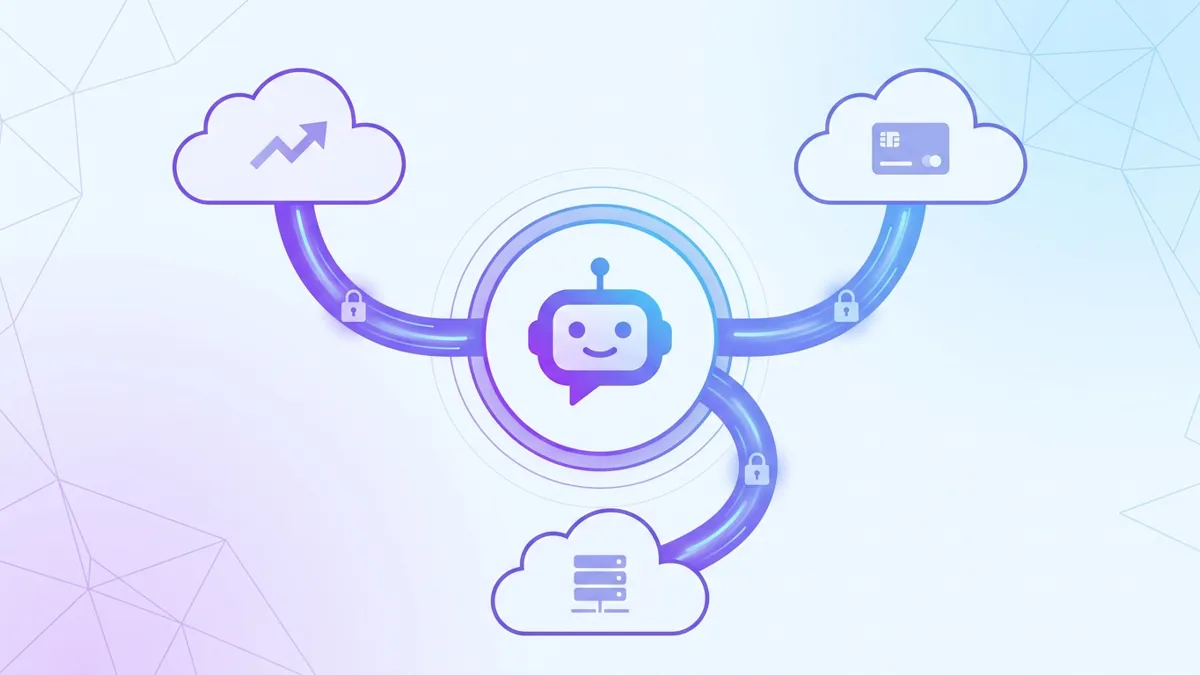
Discord bots almost always rely on third-party services — analytics providers, payment processors, hosting providers, error trackers. That's fine on its own. What matters is which third parties, where they're located, and what they receive.
Specifically:
- Analytics: US-only provider? EU-hosted? Self-hosted? For GDPR-bound communities, this matters a lot.
- Payments: Stripe and PayPal are PCI-compliant and well-audited. A custom payment endpoint on someone's hobby project is not.
- Error tracking: Sentry, Datadog, and similar tools often capture chunks of message content in error logs. The privacy policy should disclose this — most don't.
- AI providers: If the bot uses external AI APIs (OpenAI, Anthropic, etc.), your members' messages might be passing through those providers' servers. Some train on the data unless explicitly opted out.
For schools and EU-based communities, GDPR makes this concrete: you need to know which subprocessors handle your members' data, where those subprocessors are located, and what legal basis covers the transfer. A GDPR Discord bot that can't answer those questions is one you shouldn't be running.
SfwBot uses three external services: Discord (obviously), PostHog for EU-hosted analytics, and Stripe for payments. That's the entire list, documented openly. If you can't get a list this short and this clear from another bot, ask why.
Step 4: Test the Data Deletion Path
A privacy policy that promises you can delete your data is only meaningful if you can actually do it. Test this before you commit, not after.
Reality check: most bots don't have a self-service delete option. You have to email support, wait days, and hope. For smaller bot operators, your request might just sit in an inbox forever.
What "good" looks like:
- A clear data-deletion endpoint or dashboard option
- A documented response time (GDPR requires 30 days max for EU users)
- A way to confirm the deletion actually happened
- Bonus: bulk deletion for the entire server, not just individual users
The bot's privacy or security page should spell out exactly how to request deletion and what gets removed. If the only option is "email us," that's a yellow flag — it works in theory, but it puts the burden on you and gives the operator unlimited time to drag their feet in practice.
For schools, workplaces, or any community with institutional accountability, write the deletion process down somewhere your team can find it. The day you actually need it is not the day you want to be reading a privacy policy for the first time.
Common Mistakes When Vetting Bot Privacy
A few patterns that come up over and over — easy to avoid once you've seen them named.
Trusting the verified badge as a privacy signal. Discord's bot verification confirms the developer's identity. It says nothing about data handling. Two completely different audits.
Skipping the permissions screen because the bot is popular. Big install counts mean nothing here. A bot in 500,000 servers can still log every message it sees, and you wouldn't know unless you read the privacy policy.
Assuming open source means private. Open source means you can audit the code. It doesn't mean anyone has, and it doesn't mean the hosted version is running the same code as the GitHub repo.
Granting Administrator instead of specific permissions. Faster to set up, sure. You've also just handed the bot the keys to the entire server. If it's compromised, so are you.
Adding bots in a "test channel" first and forgetting to remove them. The test channel still gets archived, indexed, and cached. If you're going to test a sketchy bot, do it in a throwaway server you're prepared to fully delete.
The Bottom Line
A moderation bot is a tenant in your server. You wouldn't rent your spare room to someone without checking their references — bot privacy works the same way.
The four questions: what permissions does it want, what does it store, who does it share with, and how do you delete your data. Five minutes per bot. That's the entire vet.
If you're picking a bot for a community where members trust you with their accounts — schools, workplaces, kid-friendly spaces, paying audiences — SfwBot was built specifically with these questions in mind. The security page lists every subprocessor, exactly what's stored (hashes, never images), and how to wipe your data on demand. The free tier covers 5,000 image scans plus unlimited spam and link protection — enough for most servers without paying anything.
The wrong bot is a future incident report. Picking the right one takes less time than reading this post took.