What is a Discord raid? Report Raid, rules and warning signs
The meaning of a raid, the signs that separate it from a busy evening, and where raiding stands in Discord's rules.
By SfwBot Team7 min read
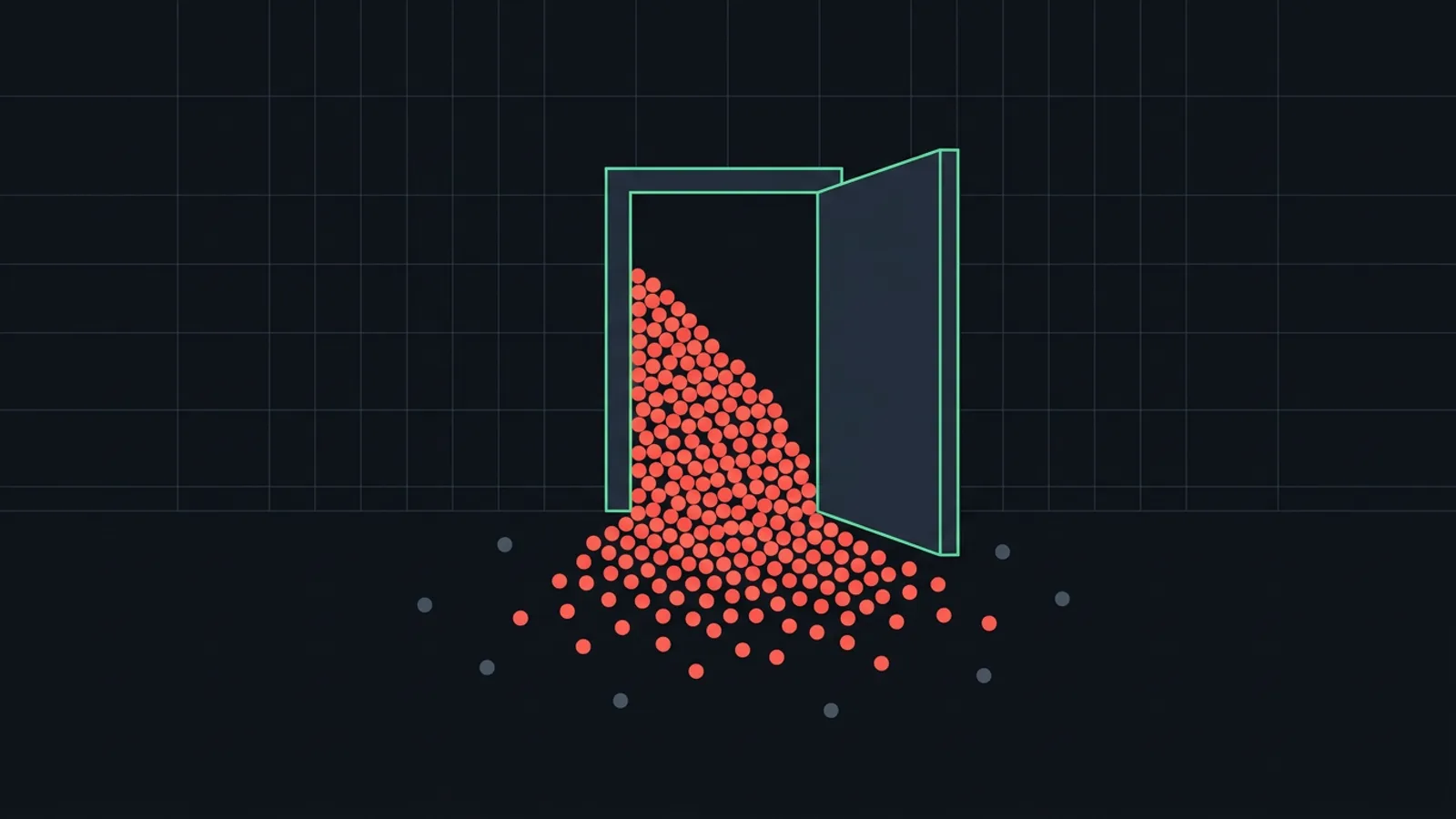
A Discord raid is when a group of accounts joins a server within a few minutes and floods it with mass mentions, spam, explicit images or scam links, faster than the moderators can delete them. The accounts belong to people who planned the attack somewhere else, to bots, or to both, and raiding breaks Discord's Community Guidelines.
What a raid looks like in a server
A link to your server is shared in a group chat, another server or a forum. At an agreed time the accounts join and start posting:
- Mass mentions. Pings of
@everyone, a role or dozens of members, so every member gets a notification. - Spam. The same text, emoji walls or blocks of empty lines in every channel the accounts can write in.
- Explicit images. Pornographic pictures and clips, posted where younger members will see them.
- Scam links. Fake Nitro offers and phishing pages that try to take over the account of whoever logs in there.
- Direct messages. Some raids write to your members privately instead, using the member list of the server they joined.
A "nuke" is something else: someone with admin permissions deletes channels and bans members, usually from a moderator account that was taken over. Two-factor authentication for every moderator is the defence against that.
How servers get raided and why
Raiders need an invite. A link that never expires and is posted on a listing site or in someone else's public channel can be used by anyone, including a script with a stock of accounts.
The reasons differ:
- Attention. To the people doing it, a raid is a prank, and your members' reaction is what they want.
- A feud. One community attacks another, or someone holds a grudge against a member or moderator.
- Hate raids. The raid targets people for who they are.
- Advertising and scams. The raid promotes another server or spreads scam links to your members.
Raid alerts, Security Actions and the Report Raid button
Activity alerts. In Community servers, Discord watches for unusual activity, such as a wave of joins or a spike in direct message spam, and posts an alert in the safety alerts channel you picked. Keep that channel visible to moderators only.
Security Actions. In the server menu, Security Actions has Pause Invites, which stops new accounts from joining, and a pause for direct messages between members who are not friends. A pause lasts at most 24 hours and can be ended earlier.
Raid protection. Under Server Settings, Safety Setup, Discord's raid protection detects join raids, sends alerts and can ask suspicious new accounts to complete a CAPTCHA. Discord has rolled it out to Community servers in stages, so your server may not show every option.
Report Raid. Click the server name to open the dropdown and choose Report Raid. It needs the Kick Members or Ban Members permission, the desktop app and a Community server. The report goes to Discord, which says it uses these reports to build better protection against raids. It does not pause invites or remove anyone; Security Actions and bans do that.
What Discord's rules say about raiding
Discord's Community Guidelines forbid harassment and name raiding directly: "coordinating server joins for the purpose of harassing server members, also referred to as server raiding." They also forbid offering spambots and server raid tools, and require every account to belong to a human, so self-bots break the rules too.
Discord says it responds according to how serious a violation is: a warning, removed content, a temporary suspension, or permanent removal of accounts and of servers. In some cases it reports accounts to law enforcement.
Whether a raid is illegal is a separate question. What raiders post can be a crime in many countries: threats, targeted harassment, sharing someone's intimate images without consent, and any sexual content involving minors. That depends on where the people live and what was posted, and this post is not legal advice. If members were threatened or shown illegal content, report the messages to Discord, and contact the police when someone is in danger.
How to tell a raid from a busy moment
A shout-out from a streamer or a big announcement can also bring many joins at once, and an activity alert may fire for those. The accounts tell the two apart:
| Sign | Raid | Busy moment |
|---|---|---|
| Accounts | New, default avatars, similar names | Different ages, their own profiles |
| Timing | A burst within a minute or two | Spread out, or right after an event you know about |
| Messages | The same text or image from many accounts | Greetings, questions, different topics |
| Moderators | Warnings are ignored | People stop when asked |
To check, open Server Settings, Members and sort by join date: raid accounts sit together in the list. Server Settings, Invites shows how often each invite was used, so you can see whether everyone came through one old public link.
Responding to a raid in progress
Pause invites first, slow the flooded channels, ban the accounts and report the raid once things are calm. The full order, with the clean-up and the settings that make a second attempt harder, is in Discord server raided: what to do now and afterwards.
What SfwBot does during a raid
SfwBot has no raid mode and no join gate. It does not watch who joins, pause invites or lock channels. It acts on the messages the raid accounts post:
- Explicit images. Nudity detection is on as soon as the bot joins and deletes explicit images, GIFs and videos. It detects nudity only; gore and other shock images are left to your moderators. Scans use credits, and when they run out your block list keeps working.
- Flooding. The message flooding check of the spam filter deletes messages above your limit and can time the member out. It is off on a new server.
- Invites and scam links. The invite filter removes invites to other servers, and link protection removes links to known scam and phishing websites. Both are off until you switch them on.
- Mention spam. On Plus and Pro, SfwBot can set up Discord's AutoMod mention spam rule with its Raid protection option, and the Raid and token logger bait keyword pack. See the AutoMod guide.
Frequently asked questions
What does it mean when a Discord server gets raided?
A group of accounts joined at about the same time and flooded the server with spam, mass mentions, explicit images or scam links.
Can you get banned for raiding a Discord server?
Yes. Discord's Community Guidelines forbid server raiding, and Discord can suspend or permanently ban the accounts that take part.
Is raiding a Discord server illegal?
Raiding breaks Discord's rules and leads to Discord's penalties. Threats, harassment or illegal images posted during a raid can be crimes in many countries, depending on where the people live and what was posted.
What does the Report Raid button do on Discord?
It sends a report about a raid to Discord, which uses these reports to improve its raid protection. It needs the Kick Members or Ban Members permission and does not remove the raid accounts.