Discord server nuked: what to do and how to prevent it
A nuke comes from an account or bot that already has power in your server. The first steps, what can be rebuilt and the permissions that keep the next one small.
By SfwBot Team7 min read
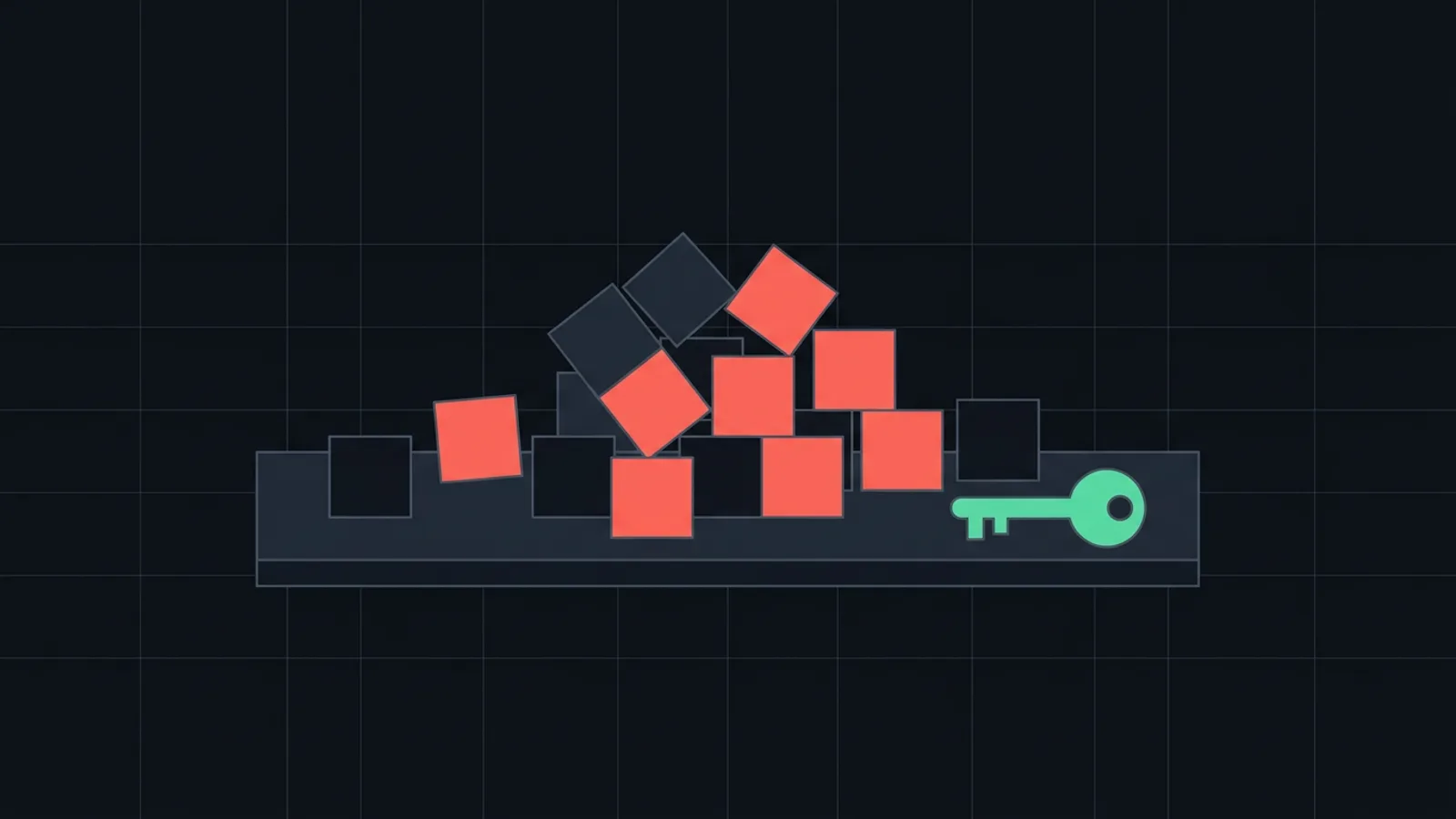
If your Discord server was nuked, first take the power away from whoever did it: remove the roles of the account or kick the bot, using an account whose role sits higher. Discord cannot undo deleted channels, roles or messages, so after that you secure the accounts, rebuild from the audit log or a backup made earlier, and change the permissions that made the nuke possible.
How a nuke differs from a raid
A nuke is done from inside the server. An account or bot that already has strong permissions deletes channels and roles, bans members, creates webhooks and pings everyone. It can be a moderator whose account was taken over, a staff member who turned on the server, or a bot that was malicious or had its token stolen.
A raid comes from outside: many new accounts join and flood the channels. Pausing invites stops a raid and does nothing against a nuke, because the attacker is already a member. For a wave of new accounts, follow the steps for a raided server.
1. Remove the attacker's permissions
A member or bot can only kick, ban or change the roles of someone whose highest role is below its own. If the attacker holds a role at the top of the list, only the owner can act.
- A member account. Right-click the member and remove their roles, or ban them. If a friend's account was hacked, removing the roles is enough until they have it back.
- A bot. Right-click it in the member list and choose Kick. Its role goes with it.
- Webhooks. Open Server Settings, Integrations, Webhooks and delete every webhook you do not know. A webhook posts on its own, so the pings can continue after the account or bot is gone.
- A bot you run yourself. If its token leaked, open the Discord Developer Portal, choose the application, then Bot, and press Reset Token.
While you clean up, take Mention Everyone away from every role that does not need it.
2. Secure the owner and staff accounts
For the owner and every staff account involved:
- Change the password.
- Turn on two-factor authentication in User Settings, My Account.
- Open User Settings, Devices and log out of every device you do not recognise.
- Open User Settings, Authorized Apps and remove apps nobody remembers adding. An authorised app keeps its access after a password change.
If someone ran a file they were sent, their computer has to be cleaned before they sign in again, or the attacker gets the new password too.
If the attacker took the owner account itself, nobody inside the server can remove them. Recover the account first and contact Discord.
3. Find out what was deleted and rebuild
Discord's own safety guide says it directly: changes made to your server can't be undone. A deleted channel is gone together with its messages.
Audit log. Server Settings, Audit Log shows who deleted which channel and role and who banned whom. Filter by the attacker and write down everything they did. Entries are kept for 45 days.
Bans. Server Settings, Bans lists every banned account. Unban the ones from the nuke. Unbanned and kicked members are not added back, so post a new invite wherever your community also meets.
Rebuilding. Recreate the roles with their permissions first, then the channels, then give the roles back. A server template made earlier stores channels, roles and their permissions, without messages or members. It creates a new server with that layout and cannot be loaded into the nuked one, so use it as your plan or move everyone to the new server.
Backup bots. Some bots save a copy of your server and load it back. Xenon, for example, says on its site that its free backups bring back channels, roles and settings, and that messages need its paid plan. No bot can bring members back.
4. Report the nuke to Discord
Send a report to Discord's Trust & Safety team through the request form on Discord's support site. Include the server ID, the user ID of the account or bot, the time and what was deleted. With Developer Mode on in User Settings, Advanced, a right-click on the server or member copies its ID. Discord can act against the account or bot, but a report does not bring back your channels.
Permissions that keep the next nuke small
Few people with dangerous permissions. A nuke uses Administrator, Manage Server, Manage Roles, Manage Channels, Manage Webhooks and Ban Members. Most moderators only need Manage Messages, Kick Members and Timeout Members.
No Administrator for bots. Administrator grants every permission. If a bot's token is stolen, the thief can do whatever the bot's role allows, so ask the operator why before you grant it.
2FA for moderator actions. In Server Settings, Safety Setup the owner can require two-factor authentication for moderators. Accounts without 2FA then cannot ban, kick, delete messages or manage channels and roles. The owner needs 2FA on their own account first.
Your role at the top. Keep the owner's or head admin's role above every bot and staff role, so someone can always remove them.
Careful bot invites. Read the permission screen before you add a bot, and remove bots nobody uses in Server Settings, Integrations. The post on what to check before you add a bot goes through the list.
A template or backup now. Create a server template while the server is intact, and sync it after large changes so it matches.
Anti-nuke bots
Anti-nuke bots watch for deletions and bans and stop the account behind them. Wick's documentation, for example, says its Anti-Nuke watches channel and role changes, bans, kicks and webhooks, quarantines the rogue account and can load a saved backup. Such a bot can only act on accounts whose highest role is below its own, so it needs a role near the top and wide permissions, the same trust you give a head admin.
What SfwBot does and does not do here
SfwBot has no anti-nuke feature and does not back up servers. It does not ask for Administrator. It does ask for Kick Members, Ban Members, Timeout Members, Manage Channels, Manage Roles and Manage Server for its filters, strike actions and AutoMod rules, so keep its role below yours like any staff role. Its work is content moderation: it removes explicit images and filters spam, invites and scam links, as described in getting started.
Frequently asked questions
Can Discord restore a nuked server?
No. Discord does not restore deleted channels, roles or messages. You rebuild by hand from the audit log, or from a server template or backup made before the nuke.
How do I find out who nuked my Discord server?
Open Server Settings, Audit Log and filter by action, for example channel deletions. Each entry names the account or bot that did it.
Can a bot nuke a Discord server?
Yes, if its role has the permissions. A malicious bot, or one whose token was stolen, can do everything its role allows, which is why bots should not get Administrator.
Does requiring 2FA stop a nuke?
It stops an attacker who has only a moderator's password, because signing in also needs the second code. It does not stop a stolen session, a staff member who turns on the server or a bot with strong permissions.