
It's the morning after a viral clip. Your server doubled overnight. Most of the new people are great — they're curious, they're posting in #introductions, they're trying to figure out where they fit. But somewhere in that crowd, one of them pastes an image the AI immediately flags. Not maliciously. They probably didn't read the rules. They were testing the waters.
If your moderation policy is "one strike, instant ban", you just lost that person. And the friend they were going to bring tomorrow.
The Discord trust system exists because community moderation isn't a yes/no problem — it's a "how many times" problem. SfwBot's trust system treats every member as starting from a position of good faith and only escalates consequences when behavior actually warrants it.
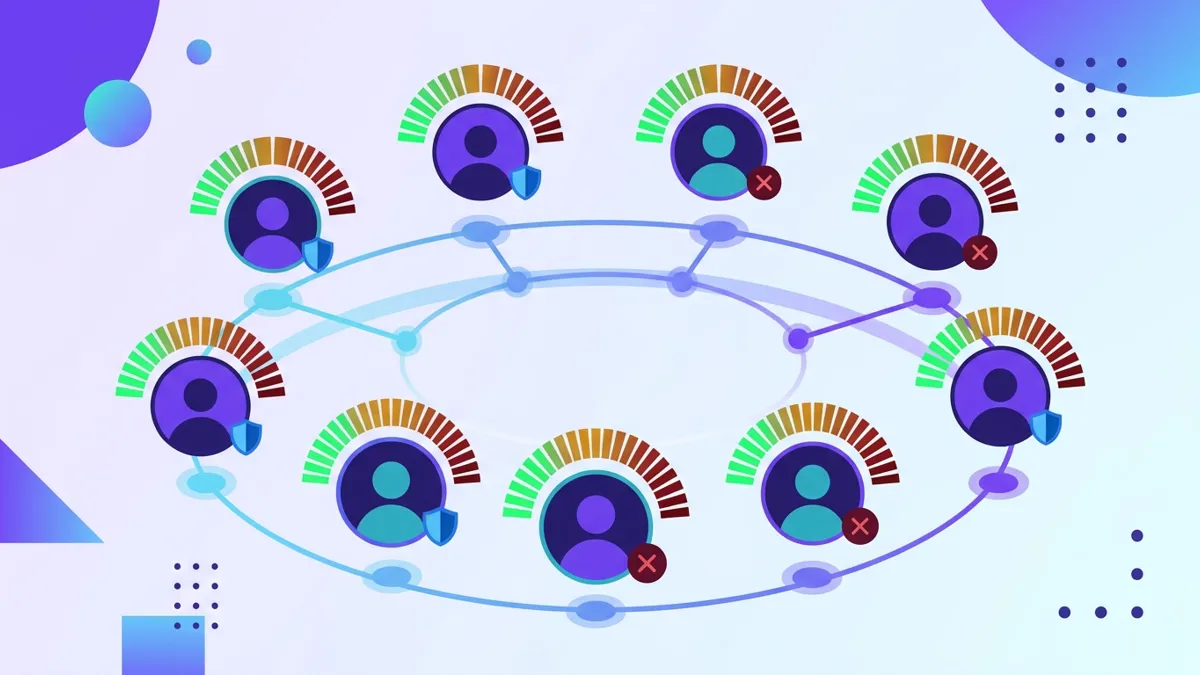
A Discord trust system assigns each member a reputation score (in SfwBot's case, 0–100). The bot uses that score to decide how strictly to react to violations — gentle nudges near the top of the scale, escalating timeouts and bans near the bottom. The same offense gets a different response depending on the offender's history, which is what makes automated moderation feel fair instead of robotic.
What the trust system is, plainly
Every member of your server starts at 100 trust points. That's the ceiling. When someone violates a rule the bot catches — a flagged image, a spam burst, a malicious link — they lose points. The size of the deduction depends on the severity of the violation and how you've configured the bot.
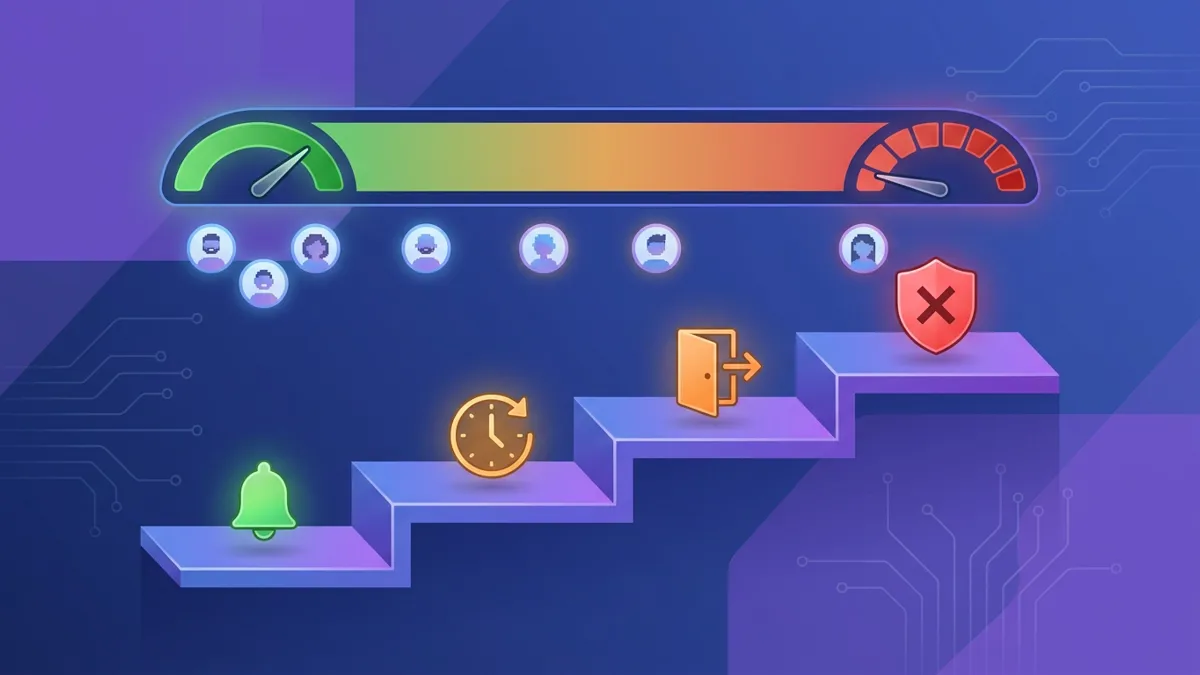
When points drop, the bot reacts more aggressively. Lower trust scores trigger stricter strike actions: warnings, then timeouts, then kicks, then bans. The same person posting the same questionable content gets one response on day one and a different response on day thirty if they keep doing it.
The whole thing runs without any human intervention required.
How it works under the hood
Trust scores aren't just labels — they're inputs into every decision the bot makes.
When an image gets posted and the AI flags it, the bot doesn't just delete the image and move on. It looks at the poster's current trust score, checks your configured strike thresholds, and picks an action. Score is at 95? Delete the image, deduct a few points, send a quiet warning. Score is at 30? Delete, deduct more, time the user out for an hour. Score is at 10? Delete, deduct, kick.
Each violation feeds back into the score. There's no separate counter — it's all one number, going up over time when nothing happens and down when something does.
Every member starts at 100. The bot reacts more strictly as the score drops. On Bronze and above, Strike Decay regenerates points over time.
This matters because it removes the binary cliff that traditional bots build into their rules. Most moderation bots let you set one threshold — usually three strikes — and after that, ban. That works fine until you realize "three strikes" is the same answer for somebody who posted three borderline memes and somebody who's been coordinating a raid. The trust score lets the bot tell the difference.
It also matters for moderator psychology. Your human moderators don't have to sit there counting violations in a spreadsheet. The bot does the counting, applies the rules consistently, and logs everything. Your team gets to focus on the cases that actually need human judgment — disputes, appeals, edge cases — instead of running incident accounting.
How to configure it
The defaults work. If you add SfwBot to a server right now and don't touch any trust settings, you'll get reasonable behavior: minor violations cost a few points, repeat offenders get warned, then timed out, then kicked.
The configuration lives in the dashboard under your server's moderation settings. Three knobs matter most.
Strike actions. This is the ladder. You decide what the bot does at each strike level — warn, timeout, kick, ban — and how many points each action takes off. The free plan gets up to 3 ladder rungs. Bronze ($1.99/mo) and above get up to 10, which is enough granularity to do things like "warn at 1, timeout 10 minutes at 2, timeout 1 hour at 3, timeout 1 day at 4, kick at 5, ban at 6."
Per-channel sensitivity. Your #general chat probably needs different rules than your #art channel. SfwBot lets you set the AI detection threshold separately per channel, so an image that would be flagged in #general can pass in a channel where some borderline content is allowed.
Whitelist roles. Your mods, your boosters, your verified members — anyone you want exempt from the trust system entirely. They can post things that would cost a regular member trust and nothing happens.
The dashboard also exposes the audit log, which is where every trust-related action gets recorded with a timestamp and reason. If a member appeals a ban, you can look up exactly what they did.
Common configurations that actually work
A few setups for different community shapes:
The streamer's "viral cushion" setup. New members under 7 days old get an extra-strict ladder — one warning, one kick, ban — while anyone past the 7-day mark gets the standard 5-rung ladder. Pairs well with per-channel sensitivity cranked up in your raid-prone channels (usually #general). The 7-day window catches drive-by trolls without punishing people who joined and actually stuck around. For more on this, see our streamer moderation guide.
The family-friendly server's "low threshold, slow decay" setup. Per-channel sensitivity at maximum across every channel. Strike actions configured to remove points faster — minor violations cost twice the default. Strike Decay enabled but slow, so someone who triggered the bot once won't have their record cleaned up for months. Use this when even one bad image is one too many.
The professional community's "near-zero tolerance" setup. Higher starting strictness, fewer strike rungs (warn, kick, ban — that's it). Whitelist your team and your verified customers. The bot handles obvious garbage on its own; anything ambiguous gets logged for a human to look at. This is the right setup for B2B communities where one bad incident has real reputational cost.
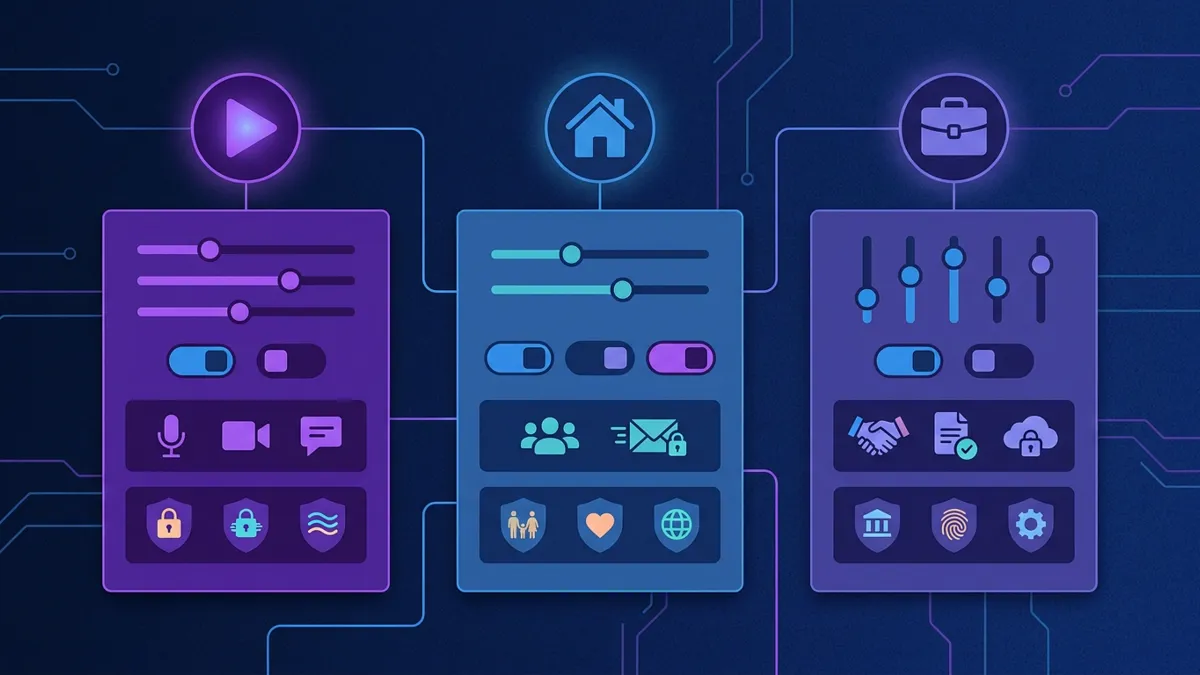
The point isn't to copy any of these exactly. The point is that the trust system is flexible enough that "appropriate consequences for repeat offenders" can mean very different things for a 500-member family server and a 50,000-member gaming Discord.
Why this beats hair-trigger bans
The trust system is the single feature most server owners don't know SfwBot has. They hear "AI moderation bot" and assume it's a hammer that bans on first offense. It isn't. It's a scoring system underneath a fully configurable action ladder, and the whole thing is on the free plan.
The honest reason this matters: server owners who lean too hard on bans end up with smaller, quieter, more paranoid communities. The trust system lets you be strict where it counts — on actual repeat bad actors — without alienating every member who has one off day. The bot handles the math; your culture gets to stay welcoming.
Does the Discord trust system replace human moderators?
No, and it shouldn't. The trust system handles volume — the obvious flags and the repeat offenders — so your moderators can spend their time on cases that actually need human judgment. Appeals, ambiguous calls, conflict resolution. Those still need a person.
What happens to a member's trust score if they leave and rejoin?
Trust scores persist with the Discord user ID, not the server membership. A user who got banned, was unbanned, and rejoined keeps their previous score. This stops people from "resetting" their record by leaving and coming back.
Can I see what someone's current trust score is?
Yes. The dashboard surfaces every member's current score, their strike history, and the timestamps for each event. You can look up an individual user or filter the whole list for everyone below a threshold.
Is the trust system free?
Yes. The core mechanic — trust points, strike thresholds, configurable actions — is on every plan including the free tier. Strike Decay (auto-regenerating trust after good behavior) is a Bronze-and-above feature.
How do I turn the trust system off if I don't want it?
You can effectively disable it by setting all strike actions to "delete only" — the bot will still remove flagged content, but no warnings, timeouts, kicks, or bans get issued. The trust score still updates in the background, but it never triggers anything.
Want more on how SfwBot's automation can ease the load on your mod team? Read our guide on moderation burnout and automation and the deeper dive on how AI NSFW detection actually works.